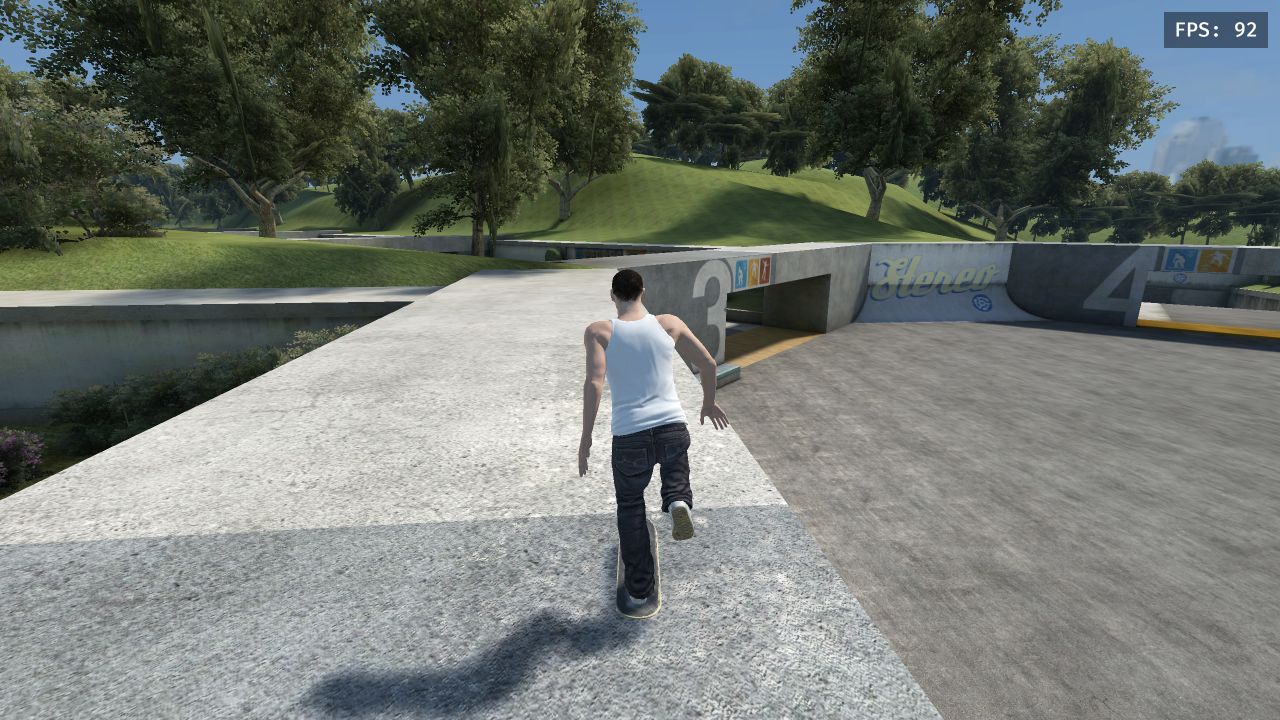
AN UNOFFICIAL BROWSER PROJECT
SKATE3
Your next
session starts here.
Skate the park. Learn the controls. Find your next line.
01 / Play
Drop into the park.
Start with Skate School. A smaller world is a good first session.
Controls →Keyboard essentials
02 / WIKI
The field guide.
Practical answers for your first run and your next session.
Skate 3 browser keyboard controls
A keyboard-to-controller reference, first-session setup and gamepad tips.
How to start skating and practice an ollie
A short practice routine for pushing, steering and learning Flick It.
Skate 3 browser maps and choosing a first world
Where to start, how to change worlds and why city maps can take longer.
Who made Skate 3 and this browser project?
Credits for the console game, community engine and original web client.
Skate 3 browser loading and WebGPU troubleshooting
Separate download delays, browser requirements and memory problems.
Before you drop in.
Does the homepage download the game?+
No. The engine and game data load only after you press Load game.
Is this the official Skate 3?+
No. This is an unofficial browser adaptation. It does not replace the original console game.
Can I play with friends?+
This preview has no multiplayer relay. Use single-player; the retained online menu does not connect to a working local server.
Why is the first load slow?+
The engine, character data and selected world are large. Repeat visits reuse cached resources; a new map may require another download.
03 / CREDITS
Give credit. Know the project.
The original game, community engine and browser client have different creators. This is an independent guide and local adaptation.
Meet the creators ↗